
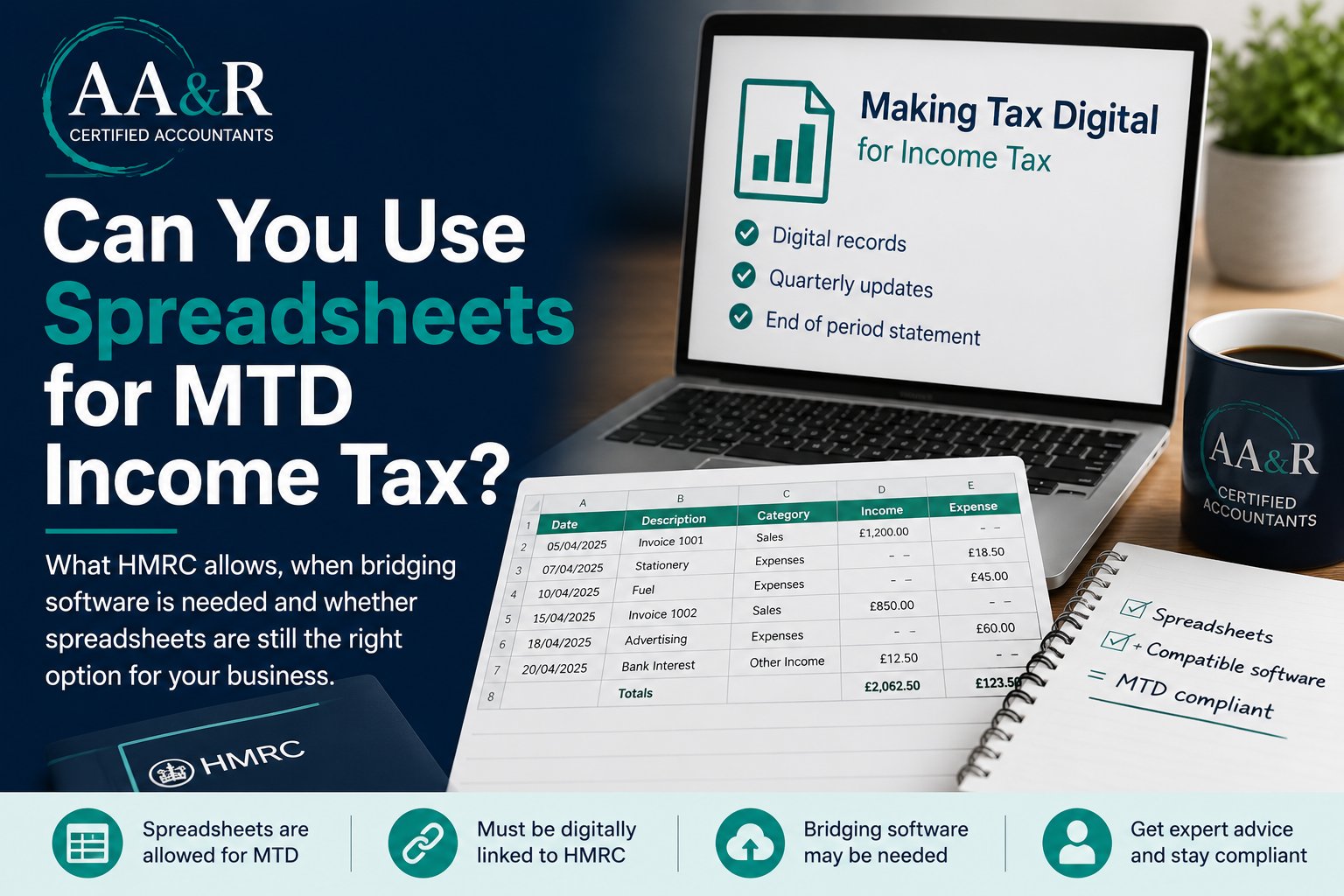
If you already keep your business or property records in Excel, Google Sheets, or another spreadsheet, the short answer is yes: you may still be able to use spreadsheets for Making Tax Digital for Income Tax.
However, there is an important catch.
A spreadsheet on its own is not usually enough unless it forms part of a compatible MTD setup.
For many sole traders and landlords, this is one of the biggest practical questions ahead of the new rules.
From 6 April 2026, MTD for Income Tax becomes mandatory for sole traders and landlords with qualifying income over £50,000, based on their 2024 to 2025 tax return.
The threshold then falls to:
- £30,000 from 6 April 2027
- £20,000 from 6 April 2028
The good news is that HMRC does allow spreadsheet-based record keeping.
The less good news is that the setup needs to be done properly from the start.
Key Takeaway
You can still use spreadsheets for MTD Income Tax, but spreadsheets alone are not usually enough.
Most businesses will also need compatible software or bridging software that creates a proper digital link to HMRC.
The Short Answer
Yes, you can use spreadsheets for MTD Income Tax, but usually only alongside compatible software.
HMRC says the software you use must either:
- Create digital records itself, or
- Connect to your existing records, including records held in spreadsheets
In practice, that means many businesses will need either:
- Compatible accounting software that replaces the spreadsheet entirely, or
- Bridging software that links the spreadsheet to HMRC in the correct digital format
If you are planning to keep everything in a spreadsheet and manually type figures into another system later, that is where problems usually begin.
Does HMRC Allow Spreadsheets for MTD?
Yes.
HMRC guidance says compatible software can either create digital records itself or connect to existing records such as spreadsheets.
HMRC also says that if you use more than one software product, the systems must be digitally linked.
A digital link means data moves between systems electronically.
HMRC gives examples such as:
- Linked spreadsheet cells
- CSV imports and exports
- Automated transfers
- API transfers
Once a digital record has been used in a quarterly update, you should not move it by copying and pasting or retyping it into another product.
This point matters because many business owners assume they can continue working exactly as they do now and only worry about filing later.
For MTD Income Tax, the record-keeping process itself needs to be digital and connected.
What Records Must Your Spreadsheet Include?
Using a spreadsheet does not reduce the information you need to keep.
HMRC says your digital records must include:
- The amount
- The date
- The category for each income or expense entry
Depending on your situation, that may include:
- Self-employment income
- Self-employment expenses
- Property income
- Property expenses
If you have more than one sole trader business, you need separate digital records for each business.
If you have UK rental properties, they are usually treated as one UK property business, but your records still need to be complete and accurate.
This is where some spreadsheet users get caught out.
A simple cash-in, cash-out tab may feel organised enough for year-end accounts, but it may not be detailed enough for quarterly digital reporting unless the categories are structured properly.
When A Spreadsheet Approach Can Work Well
A spreadsheet-based approach can still work well if your affairs are relatively straightforward and your records are tidy.
It may suit you if:
- You are a sole trader or landlord with a simple income pattern
- You are comfortable maintaining consistent categories
- You want to keep costs down
- Your accountant or bookkeeper can help you choose software that connects to your spreadsheet process
For some people, this can be the least disruptive route.
Instead of moving immediately into a full bookkeeping platform, they can keep familiar records and add compatible software around them.
For example, a landlord with one rental property may continue using a spreadsheet successfully if the records are categorised properly and linked to compatible bridging software.
When Spreadsheets May Stop Being The Best Option
Spreadsheets can become harder to manage as the business grows or the reporting becomes more complicated.
You may be better off moving to accounting software if:
- You have a high volume of transactions
- You have both self-employment and property income
- You want bank feeds, invoicing, or receipt capture
- You are not confident setting up formulas, categories, and digital links
- You want one system that handles record keeping, quarterly updates, and year-end filing together
For many business owners, the real question is not whether spreadsheets are allowed.
It is whether spreadsheets are still the easiest and safest option once MTD begins.
Common Mistakes To Avoid
One common mistake is assuming spreadsheets are banned.
They are not.
Another mistake is assuming a spreadsheet alone is automatically compliant.
It is not.
You still need compatible software that can connect the records to HMRC and support the required submissions.
A third mistake is leaving the decision too late.
Even though there are no penalties for missing quarterly update deadlines in the 2026 to 2027 tax year, HMRC still expects affected taxpayers to keep digital records and send quarterly updates before submitting their tax return.
Waiting until the first deadline is likely to create unnecessary stress.
There is also a practical risk in using untidy spreadsheets.
If categories are inconsistent, if personal and business items are mixed together, or if the spreadsheet relies too heavily on manual workarounds, errors can build up quickly.
Are Spreadsheets Still A Good Option For MTD?
If your current spreadsheet is accurate, organised, and supported by the right compatible software, you may not need to abandon it.
However, if your records are patchy, your setup is heavily manual, or you are unsure how digital links and quarterly updates will work in practice, now is the right time to review the process.
The cheapest method is not always the one that creates the least time, stress, or corrective work later.
Frequently Asked Questions
Can I use Excel for MTD Income Tax?
Yes. HMRC allows spreadsheets such as Excel to be used for MTD Income Tax, provided they form part of a compatible digital setup with proper digital links.
Do I need bridging software for MTD?
If you keep records in spreadsheets, you will often need bridging software to connect those records to HMRC and submit updates correctly.
Are spreadsheets MTD compliant?
Spreadsheets can be compliant if they are used alongside compatible software and digital links are maintained properly.
Can landlords use spreadsheets for MTD?
Yes. Many landlords may continue using spreadsheets if their records are accurate and connected to compatible software for MTD reporting.
What is a digital link for MTD?
A digital link is an electronic transfer of data between systems, such as linked spreadsheet cells, CSV imports, or automated transfers, without manual retyping or copy-and-paste steps.
How AA&R Certified Accountants Can Help
At AA&R Certified Accountants, we help sole traders and landlords understand whether MTD applies, what records they need to keep, and which reporting setup makes the most sense for their situation.
If your current spreadsheet process works well, we can help you make sure it stays compliant.
If it no longer fits the way your business operates, we can also help you move to a more suitable digital setup without unnecessary disruption.
If you want clarity before the new MTD rules begin, get in touch with AA&R Certified Accountants and we can help you prepare with confidence.


